Plugin
Soloquium
End boss space plugin
- 1.0
- VST3 · AU · AAX
- Lifetime upgrades
Features
- Extremely advanced modular reverb and echo engines
- Never been done before algorithms such as Kuramoto and Einsteinian models
- Granular clouds and resonator synthesis algorithms
- Recursive convolution reverb
- Feedback loops, LFOs, envelopes, step sequencers and Euclidean rhythms
- Three parallel routing paths
- More than 100 factory presets and scoped randomisation
- Runs on its own or inside Dogma with both products licensed
- Lifetime free upgrades
Compatibility & formats
Open the plugin before purchase to make sure it runs on your computer. Until it is activated, Soloquium shows only its activation page and passes the audio through untouched.
Hashes at the bottom of the page.
- VST3, AU, AAX (no iLok needed)
- VST3, AAX (no iLok needed)
- VST3
Download
Installation
AP Mastering plugins are super light weight and do not ship with installer wizards and random undisclosed bloatware. If you have ever installed a plugin by simply moving it into your plugin directory, then you already know what to do. For anyone who is stuck, watch this youtube video.
End boss space plugin
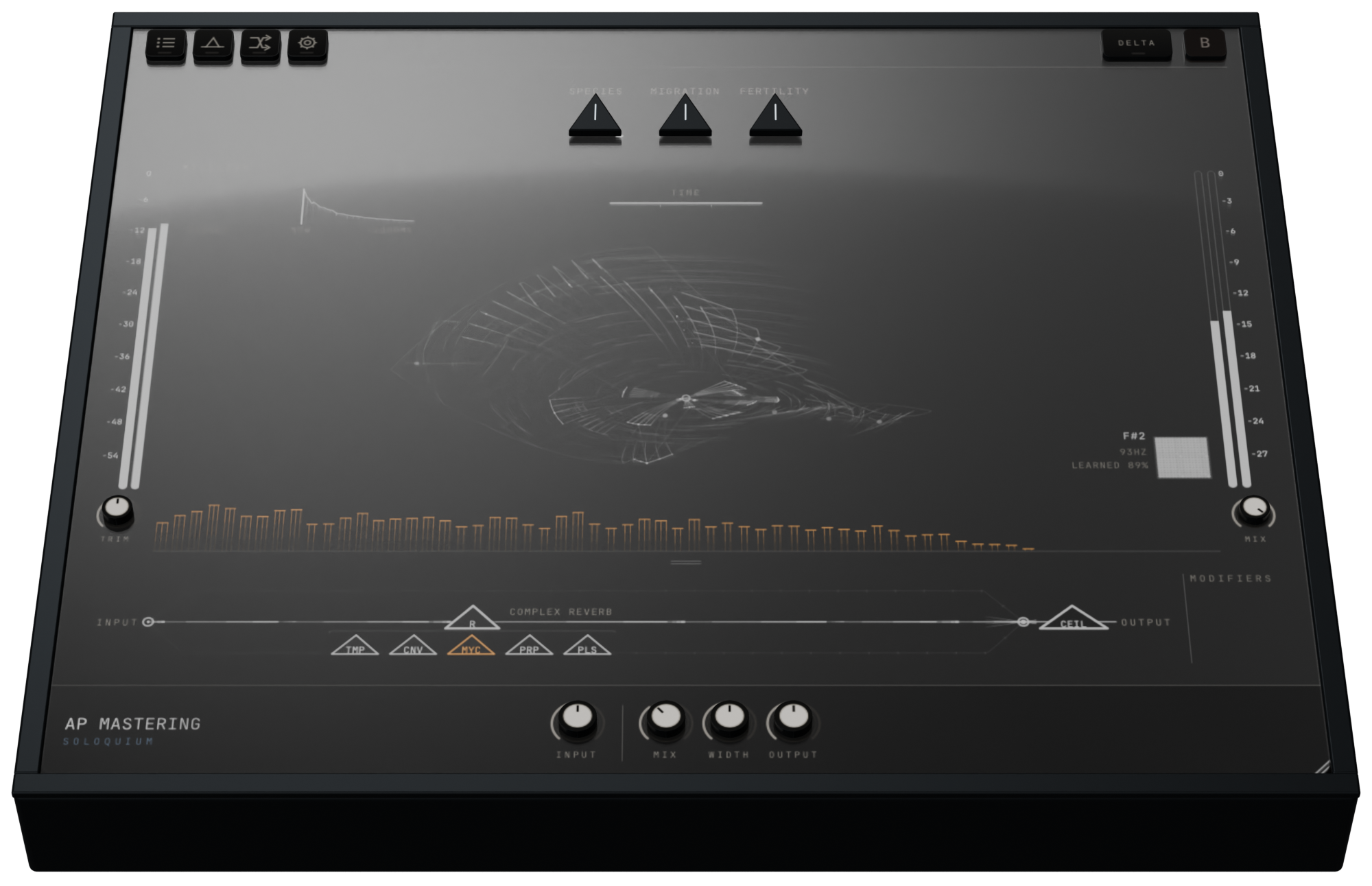
Soloquium isn't "just another reverb". There already so many reverb plugins that if a new one is brought into existence, it should at least do something a bit different. But Soloquium doesn't do stuff a bit different. It does it so differently that it is hard to understand whether this is even a reverb plugin in the first place. Call it a space plugin. It's also an extremely advanced echo, resonator, contains utility modules like compression, EQ, feedback, gating and an elliptical filter, as well as some things which have probably never even been done before. If you were determined enough, you could mix an entire record with it - not that you need to, since it integrates perfectly into Dogma in a single window workflow.
This is the deepest and most exciting space plugin my mind was able to conceive of, with many of the craziest ideas I had the curiosity to pursue, making it into the final version after countless iterations, tuning all of these weird bits of math taken from physics and biology, to actually translate to music.
Choose the geometry of your universe
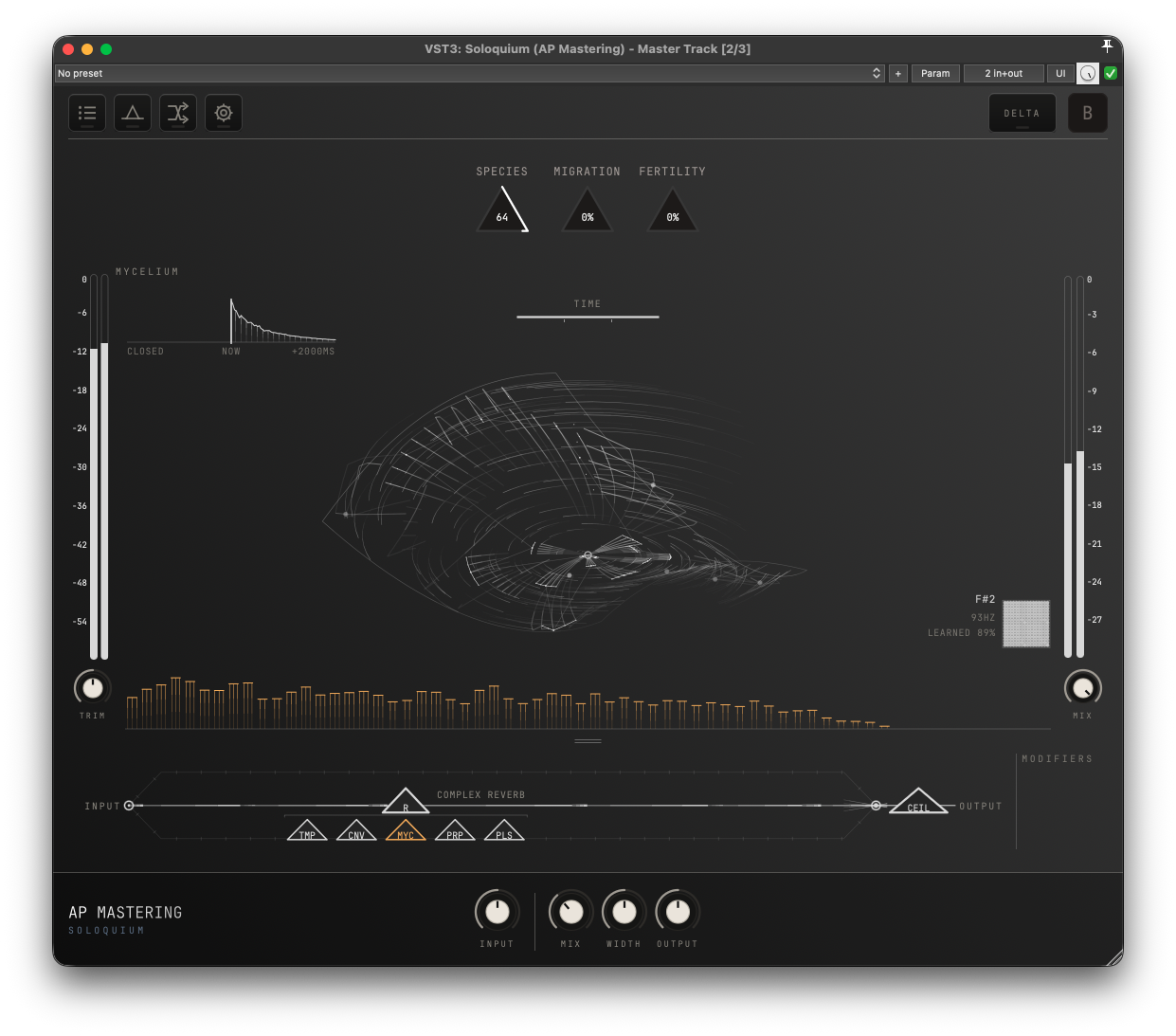
Complex Reverb is the most advanced reverb algorithm in the plugin and comes with a bunch of modular facets which can be added onto it. It gives you five geometries. These choices change the reverb network itself, not just the picture.
Pre-verb
With the Temporality facet, you can have reverb which starts before the input signal. This effect is not new, it has been used for years. Many people did it manually by bouncing and reversing audio, you could even do it on a tape machine. But Soloquium does it with its own unique flavour in realtime.
Time Viscosity makes louder passages slow the reverb's clock, bending the pitch.
The walls of the reverb from the input signal
Through a process called recursive convolution, the convolution facet captures recent audio and turns it into the reverb's walls. The reverb essentially becomes what you feed into it. Resonances can compound quite quickly so using a utility compressor afterwards is often a good idea. Increasing the size of the reverb can often make the effect more pronounced.
Fungus
The Mycelium facet treats spectral bands as a population of fungus: they feed and compete, changing the energy distribution of the reverb tail.
Algorithms stolen from Physics
Kuramoto Reverb is a synchronization algorithm named after Yoshiki Kuramoto. The sound begins diffuse and the algorithm increases coupling and pulls resonances together into pitched clusters.
Relativity is based on Einsteinian physics of selected black-hole and gravitational-lensing equations.
Impulse response loading
Impulse allows you to load your own IRs in addition to all of the other processing available.
Build the whole effect in one window
Three parallel paths
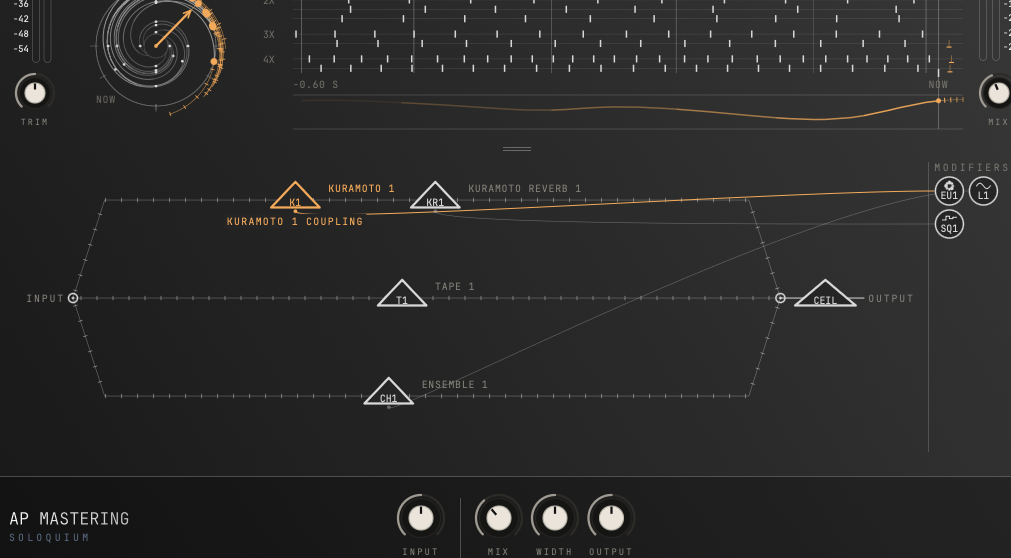
The DSP architecture of Soloquium is not just modular, it has three separate parallel paths in addition to the ability to chain modules in series. Given that many of the modules can be used more than once, this allows the ability to build insanely complex patches. Make sure to save your progress!
Synthesis modules
Cloud freezes and rearranges grains from the live input using granular synthesis techniques.
Resonator turns incoming audio into plucked strings and chords inspired by Karplus-Strong synthesis.
Spectral Delay gives different frequencies different repeat times,
Prism disperses frequencies like light traveling through a glass prism.
Utility modules
Soloquium comes with some dynamics and EQ processors so you can create sounds which typically require an entire chain of plugins. A classic is the Phil Collins massive gated drum sound. Obviously you're going to need a gate. But stuff like having an elliptical filter is extremely handy when trying to make a wide, lush sound which isn't overly vague in the bass frequencies.
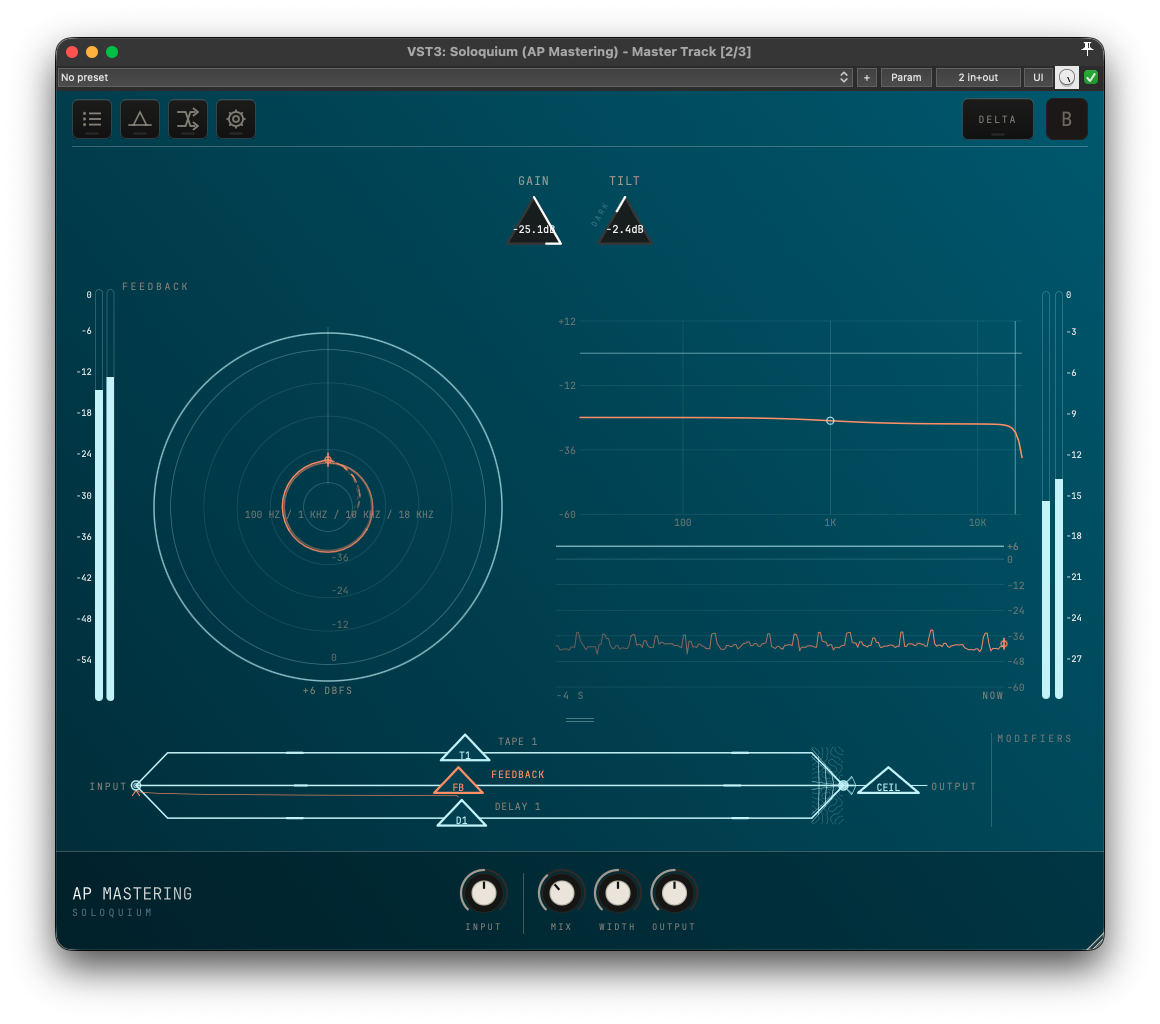
The Feedback module sends audio from its position in the chain back to the input. Each pass travels through the processing again. This will exaggerate almost all of the effects with pitch shifters accumulating, filters getting steeper, resonators getting thicker.
Deep modulation
You can have a ridiculous amount of modifiers: LFOs, envelope followers, step sequencers and Euclidean rhythm modules. Up to 16 in total.
You don't need to be an expert
There are over 100 factory presets covering vocal rooms, plates, springs, gated drums, tape echoes, resonating strings, granular clouds and experimental stuff. The browser groups them by category, so useful everyday stuff is easy to find.
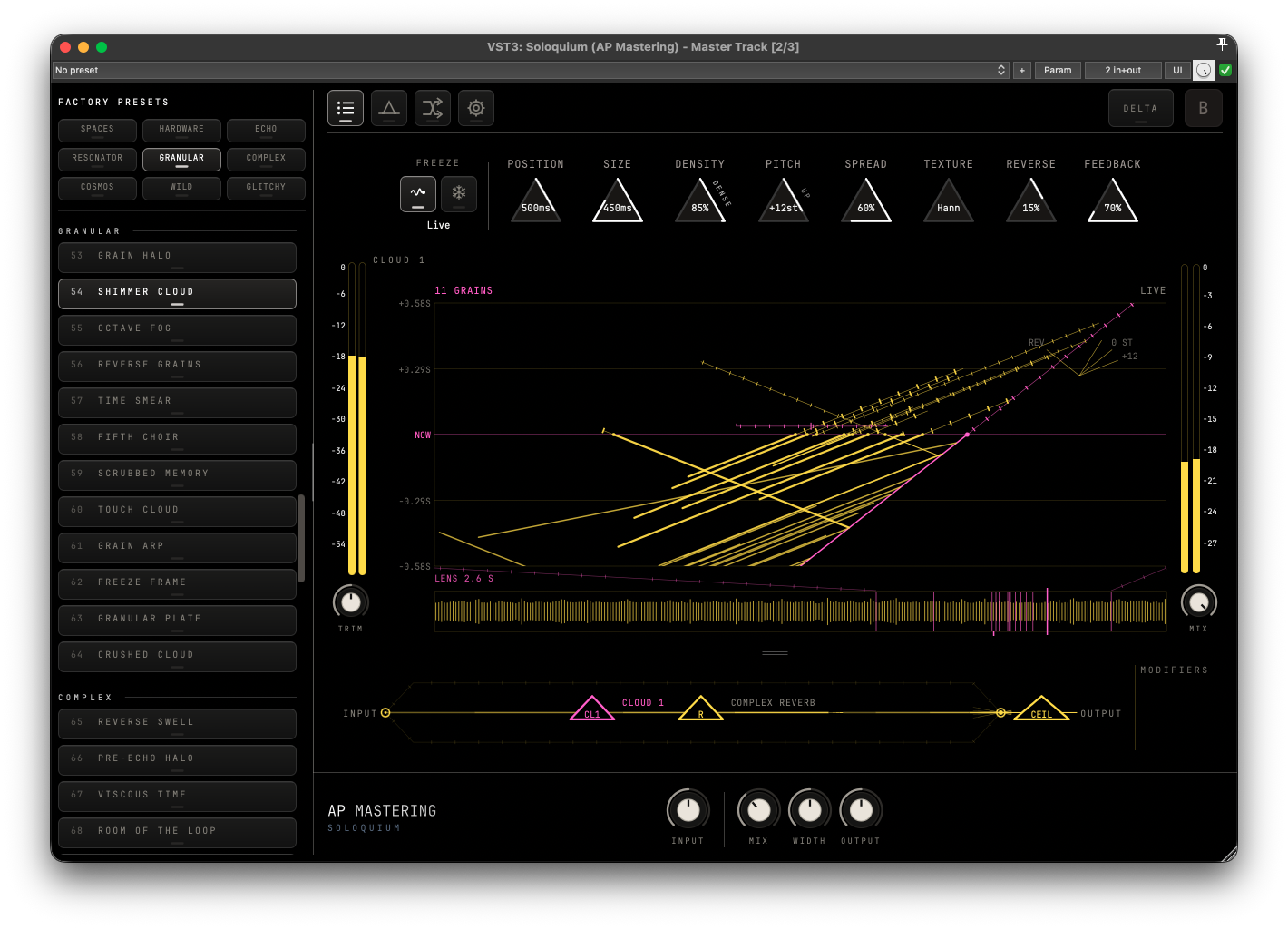
Discover something you would not have patched
Scoped randomization allows you to extremely quickly explore new patches that you probably wouldn't have build intentionally. You'll be surprised how quickly you can find sick sounds just by hitting the randomize buttons a few times.
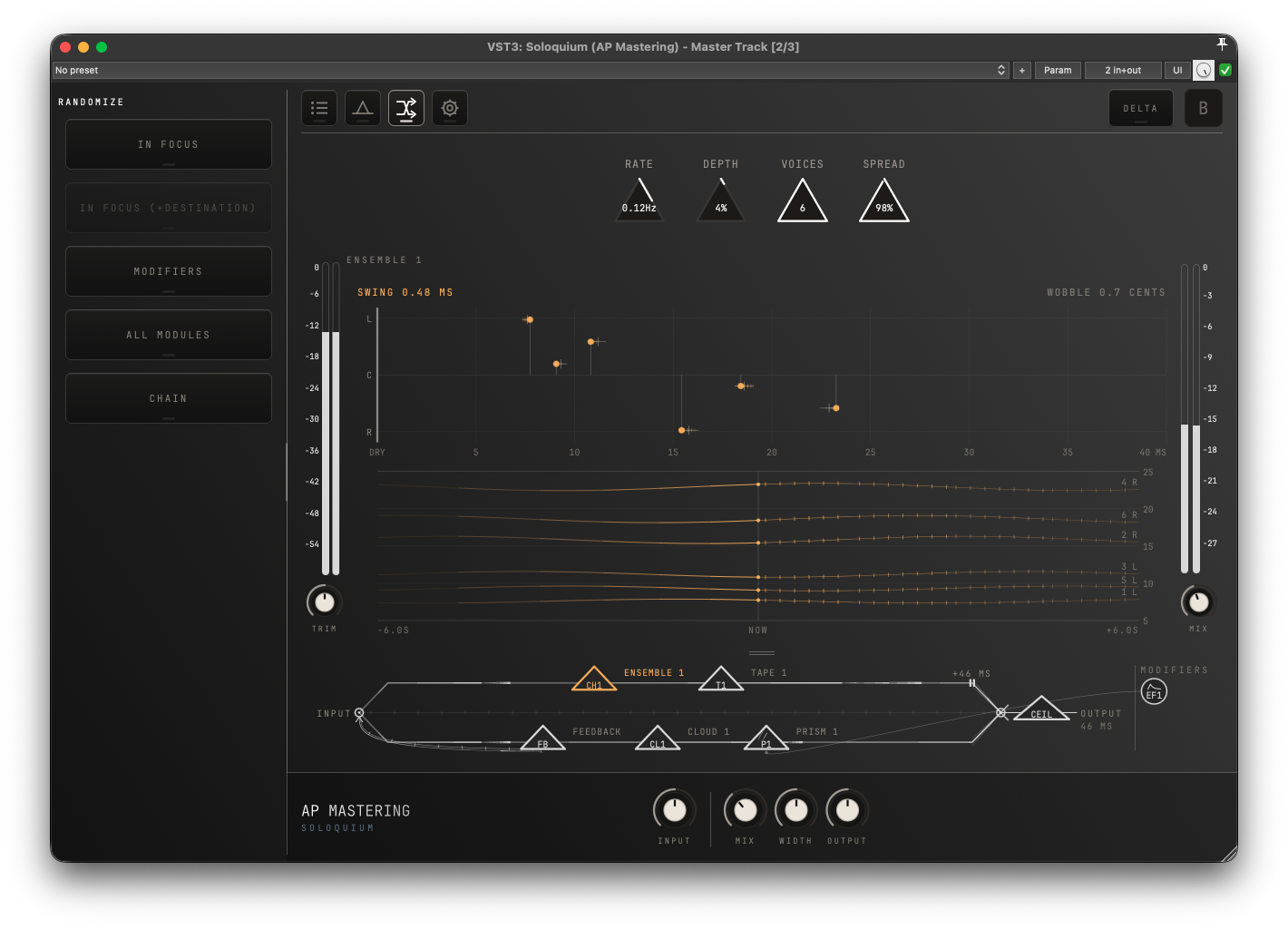
UI & Dogma integration
Everything has its own visualisation. There are 12 themes which are identical to Dogma's. With both products licensed, Soloquium perfectly integrates inside of Dogma's own window and it will match its own colour theme to what is set for Dogma.
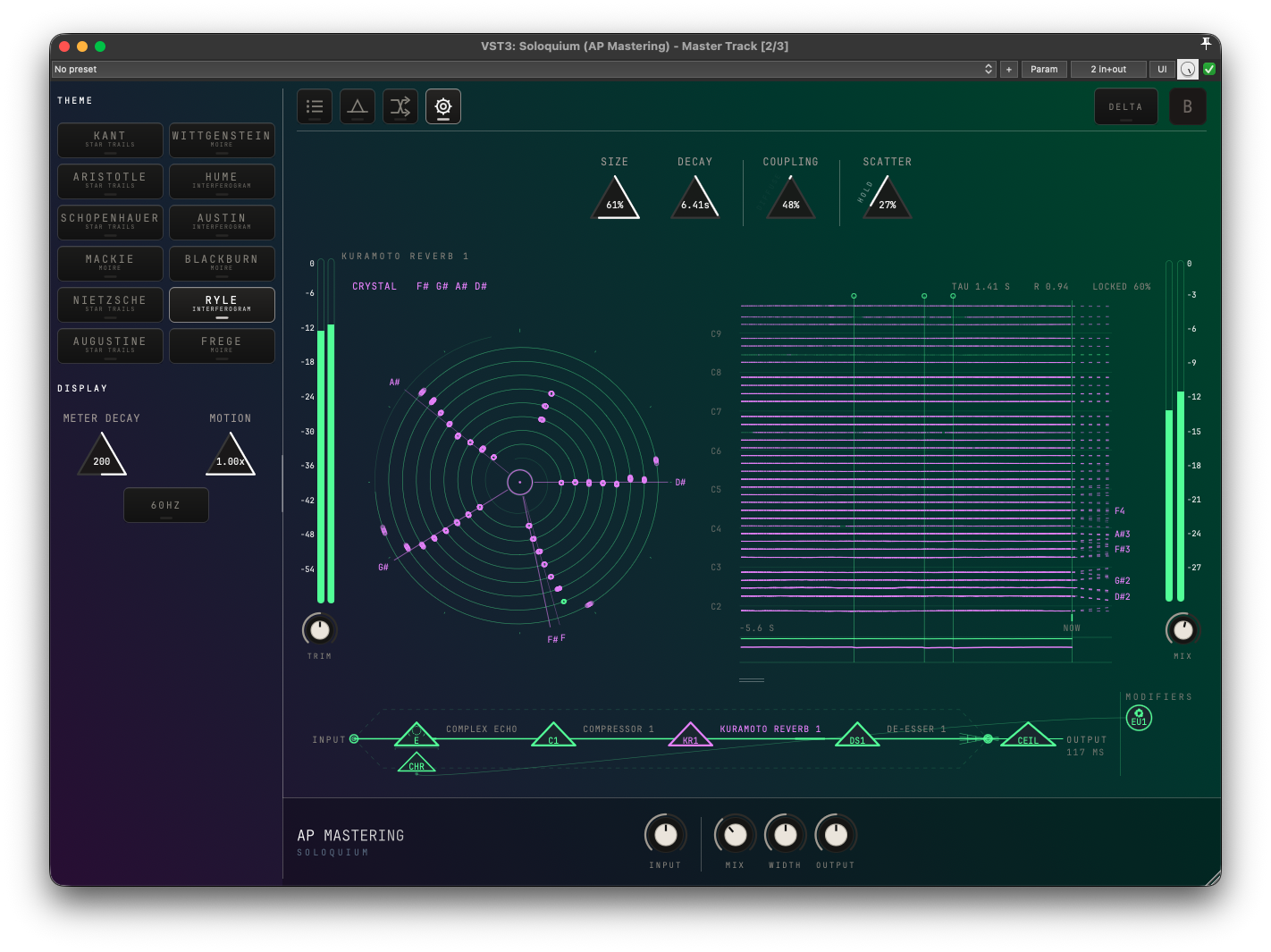
Verify hashes
The Mac installers are signed and notarized by Apple, so macOS verifies them itself when they are first opened. Hashes are listed for Linux and Windows.
To verify the integrity of the downloaded files, make sure the hashes are identical. On Linux use the command:
shasum -a 256 /path/to/file
On Windows, open PowerShell and run:
Get-FileHash "C:\path\to\file" -Algorithm SHA256
Hashes
- cd7394638b91e1ced9f12ce5c8795d90c7b8d69195dbac69c5eaf2860f12c375
- bf63f61eb49a40d97c1aa1a2e03d77ad09217e90268cab356dfb8f5bd91dcec3